Joining a team
How to accept a team leader's invitation, and what your leader can and cannot see once you are on their team.
4 min read
Before you start
- The invitation email, or the join link your leader sent you
- A CLSD account, or you can create one from the join page
Tip
Sign up with the address the invitation was sent to and the invitation is accepted as soon as you are signed in.
A team leader on CLSD can invite you into their organization. This article covers accepting the invitation and what changes once you are on a team.
Accepting an invitation
You receive an email titled "You have been invited to join a team on CLSD Leads" with an Accept the invitation link. Your leader may also send you the same link directly.
Note
The invitation is tied to the email address it was sent to. If you are signed in under a different address, the page tells you which address to use, partly masked. An alternate address you have added to your account counts as yours.
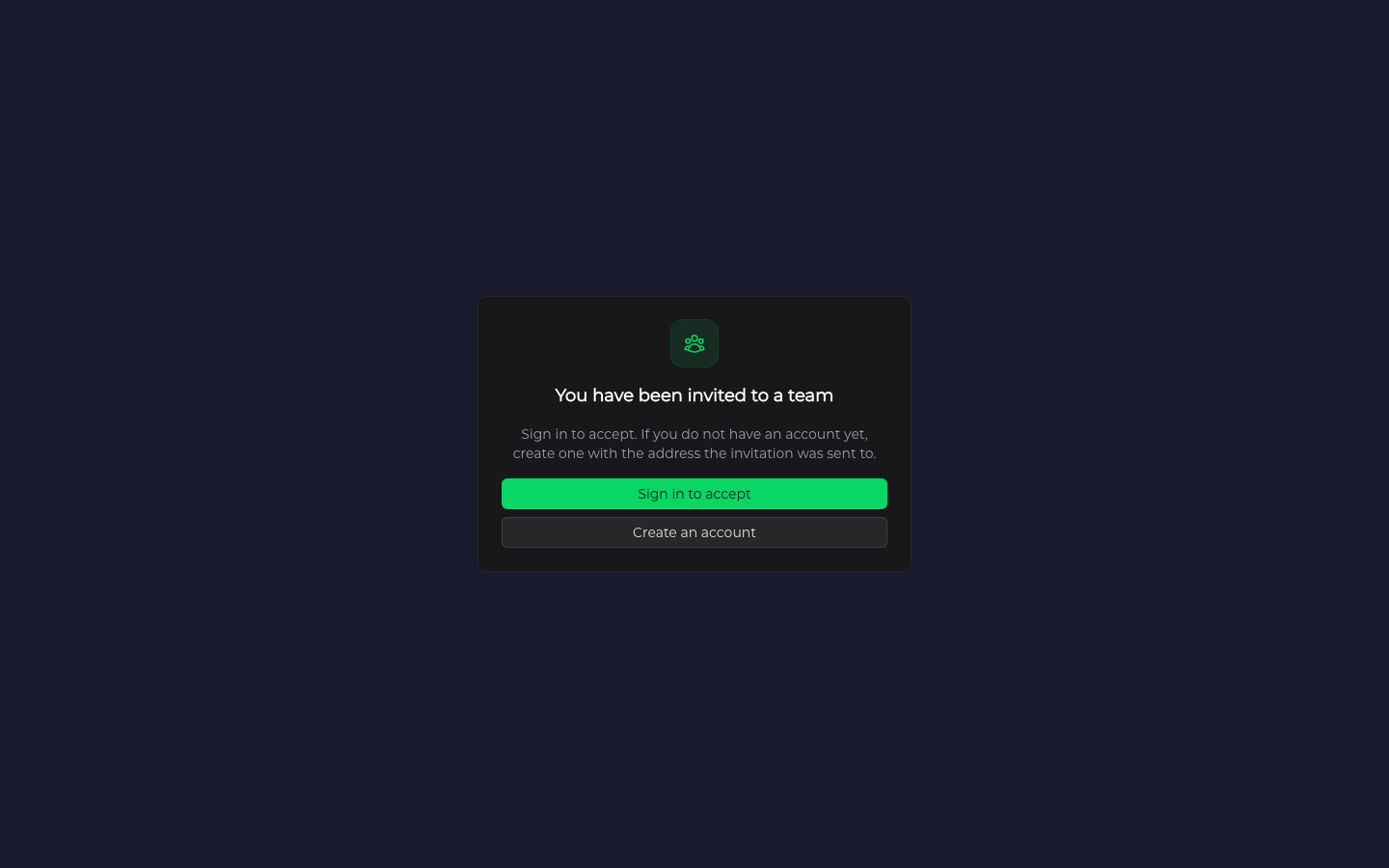
Step 1. Open the link
If you are already signed in, the invitation is accepted right away, the page reads Joining for a moment, and you can skip to step 3. If you are not, the page is headed "You have been invited to a team".
Step 2. Sign in or create an account
If you already have a CLSD account, click Sign in to accept. If you do not, click Create an account and sign up with the address the invitation was sent to. Either way you come back to this page afterward.
Step 3. Go to your dashboard
The invitation is accepted as soon as you are signed in. The page reads "You have joined" followed by the team's name. Click Go to your dashboard.
What changes for you
Your leads, orders, delivery methods, billing and settings stay yours and work as they did before. Being on a team adds nothing to your sidebar unless you lead a group yourself.
Your leader, and any leader above them, can see the following.
- Your name, email and profile photo on their Manage Team page, whether your account is active, whether you have finished onboarding, whether you have ever placed a paid order, and whether you lead a group of your own.
- Totals on their Team Performance page for a period, counting your Premier orders. How many leads you ordered, how many orders you paid for, how many of those leads were delivered (counting any that were later replaced), and your replacement rate. See Team performance.
- The names of your active delivery methods and which kind each one is, if they buy leads for you. They do not see where those methods point, so your CRM connection, spreadsheet and inbox address stay private.
Your leader does not see your individual leads, the contents of your orders or what you paid. They cannot change your prices and cannot sign in to your account. They see only their own group and the groups beneath it, never anything above or beside it.
What your leader can do
A leader can buy leads for an agent on their team. They pay for the order. The leads are delivered to your account through your delivery methods, and the order appears on your Orders page like any other. See Finding your orders.
Your leader can also move you between the groups they lead, promote you to lead a new group of your own, or remove you from the team. If you are promoted, the Team section appears in your sidebar and you can manage your own group. See Managing your team and inviting members. If you are removed, your account, orders and history are untouched. If you led a group of your own, you stop leading it and the Team section leaves your sidebar.
Troubleshooting
The page says we could not accept that invitation
Under that heading the page says the invitation is no longer valid and to ask for a new one. The link expires 14 days after it was sent. If it has expired, been withdrawn or already been used, ask your leader for a new one.
The page tells me to use a different email address
The invitation is tied to the address it was sent to, and the page names that address, partly masked. Use it to sign in or to create your account. An alternate address you have added to your account also counts as yours.
I do not want to join
Do nothing. The link expires on its own, and you are never added to a team without accepting.
How do I leave a team?
There is no way to leave a team yourself. Ask your leader to remove you, or contact us. See Getting support.