Getting support
How to reach the CLSD team, what to include so we can help quickly, and which requests have their own page in the app.
3 min read
Before you start
- The email address on your CLSD account
Tip
Send the order number, or the lead's name and phone number, in your first email so we can answer in one reply.
If something is not working or you have a question about your account, this article covers how to reach us, what to send, and which requests already have a page in the app.
Email us
The support address is support@clsdleads.io. It is the one address for everything, and it is the address printed in the footer of every public page, in the Contact Information section of the Terms, and in the Privacy Policy.
A few things help us answer in one reply.
- The email address on your CLSD account, if you are writing from a different one.
- The order number, if the question is about an order. Open the order from Orders with View Order and it is under the Order Details heading. It is also in your confirmation email. See Finding your orders.
- For a lead, the lead's name and phone number, so we can find the record.
- What you expected to happen and what happened instead. A screenshot of any error message helps.

Requests that have their own page
Some things do not need an email, because the app has a page built for them.
- Replacements. A lead that qualifies is replaced through the Replacements page in the sidebar. See Requesting a replacement and The seven day replacement window.
- Pausing an order. Premier orders pause from the Orders page. See Pausing and resuming an order.
- Refunds. The Refund Policy says what qualifies. A lead that is invalid or does not meet our standards is replaced, not refunded. See Refunds.
- Privacy requests. The Your Privacy Choices form at /privacy-request takes one field and needs no account. The Privacy Policy explains what happens next.
- Closing your account. This is done from your Profile page. See Closing your account.
Warning
A replacement request has to be made within seven days of delivery. After that the window is closed, so do not wait on an email reply to file one.
When the app tells you to contact support
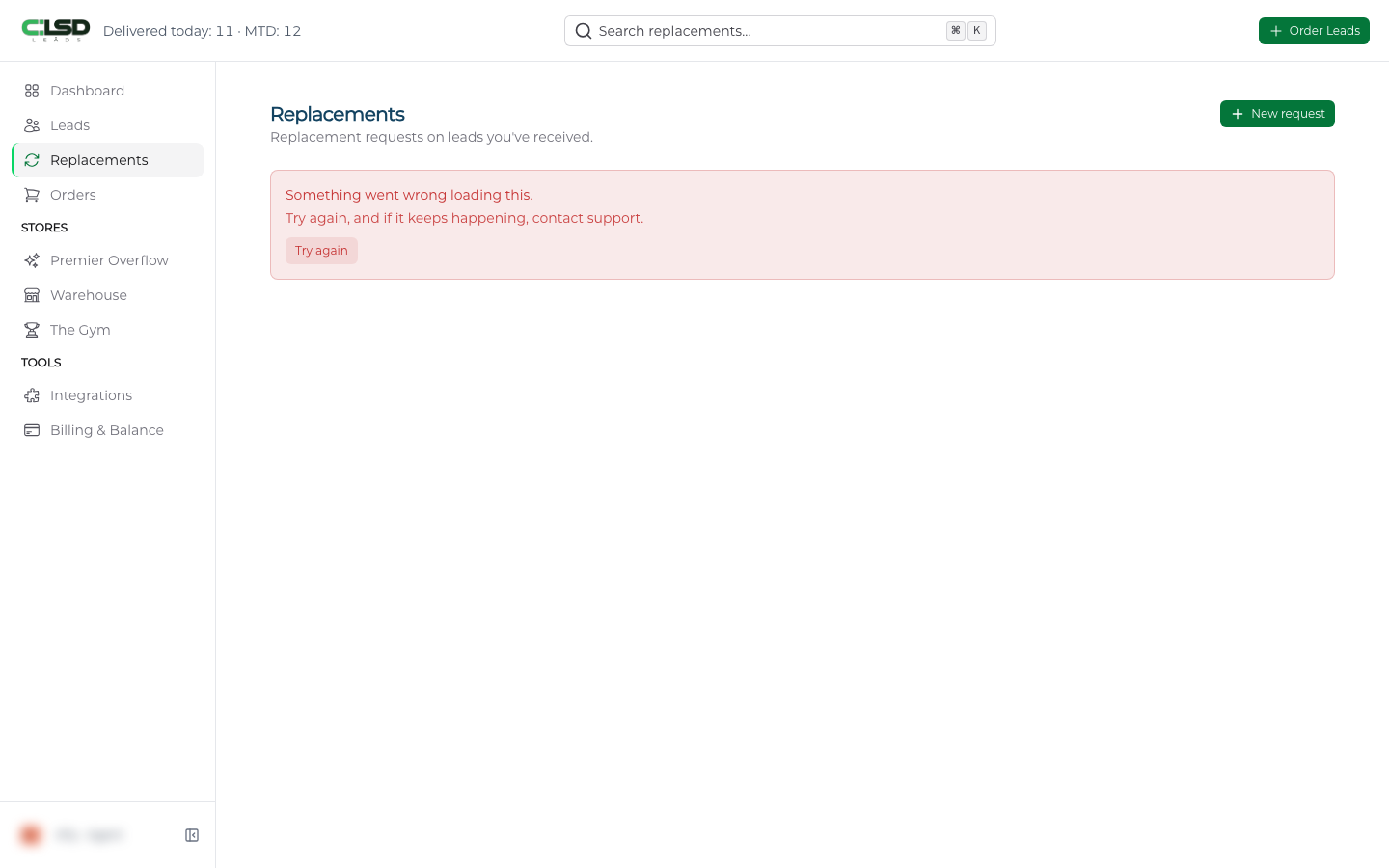
A few screens say so directly. If a page shows Try again, and if it keeps happening, contact support., give it one more try and then email us with the name of the page.
Troubleshooting
The order form reports an inventory error
The message asks you to reach out to support@clsdleads.io if the problem persists. Try once more, and if it happens again, email us with the lead type and the states you were ordering.
A refund is due and nothing has arrived
The ten business day timeline in the Refund Policy applies to one case, where we end a Sales Gym membership for a reason other than a breach. If that refund has not reached you within ten business days, email support@clsdleads.io. If we told you something else is being refunded or credited, email us and name the charge. See Refunds.
I see a message that my account has been deactivated
Email us from the address on the account and we will take it from there.